

A practical guide to tech, tools, and spaces for learners at Eureka Learning Online School
Whether your child is starting primary classes or preparing for IGCSEs and A-Levels at Eureka Learning Online School, having the right equipment and environment makes online learning smoother, more comfortable, and more effective. Here’s everything you need to know before getting started.
A Reliable Computer or Tablet
A laptop or desktop computer is the best choice for online schooling, with a bigger screen and easier use for typing, completing assignments, and accessing resources. Having a bigger screen enables students to switch between materials efficiently and makes it easier to see the information presented.
Alternatively, online schooling can also be accessed from a tablet, but this can be limiting for older students. Whilst a tablet can be sufficient in primary school years, we recommend investing in a bigger device to enable your child to thrive better in online education.
Whether studying from a laptop or tablet device, it’s important to ensure the device has enough processing power so it can run the live virtual lessons and your child’s online learning platform smoothly. This ensures their learning goes uninterrupted without delays or connectivity issues.
Stable Internet Access
At Eureka Learning Online School, our lessons are presented in live classrooms, meaning live lessons and platform access are central to learning. To ensure students aren’t met with connectivity issues or delays, it’s important to have a fast and reliable internet connection. Having a reliable internet connection ensures smooth live lessons, quick access to on-demand materials, seamless uploads of homework, and seamless platform navigation. If your connection drops, consider positioning the router closer to your child’s learning area or using a wired connection if possible.
If your child does have internet connection issues during a lesson, not to worry! They can also catch up through the lesson recording once it has been uploaded at the end of the day. Lesson recordings are available at any time through our school’s online learning platform.
Headphones with a Microphone
Having headphones with a built-in microphone is more valuable for online schooling than you might expect. The benefits of using headphones with a microphone include clearer sound in lessons, less distraction from household noise, and enabling your child to participate confidently in class. Whilst not essential, having headphones with a microphone built-in can be especially useful if you have multiple people working or studying at the same time, or if your child wants to speak, present, or ask questions during class.
A Dedicated Learning Space
To get the best out of learning with our online school, we recommend a calm, organised space that will help students focus. We recommend setting up a space with a desk or clear surface, a comfortable chair, good lighting, and minimal noise and distractions. Even simple choices like facing away from a busy area can help your child stay engaged and feel “in school mode” ready to learn.
Basic Stationery & Notebooks
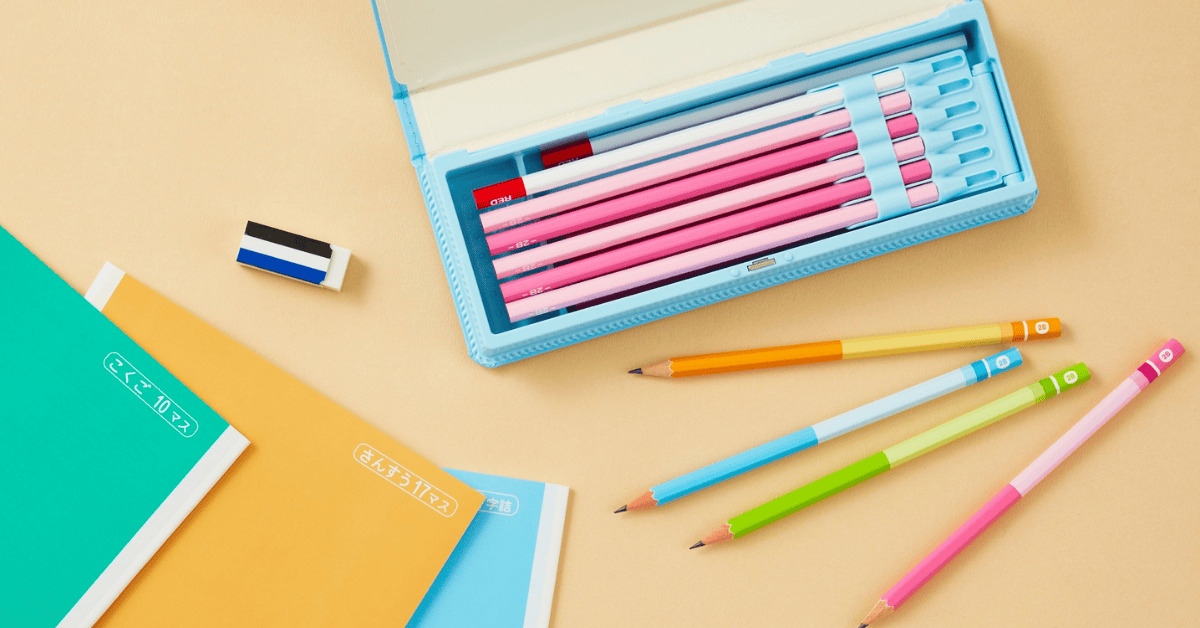
Whilst tech is important, it’s important not to forget the basic stationery and resources as well. We recommend children have pens, pencils, paper, a ruler, an eraser, and something to write notes on within reach, as well as any additional materials needed for classes, such as maths with a calculator, or art with paint and other creative materials. If you are unsure of what your child needs for a specific class, our friendly teachers are always happy to answer any questions you may have.
Organisation Tools
Online schooling provides flexibility to students, which is often a primary factor in students making the switch to online learning, but it also requires good planning and organisation. It’s important for students to learn self-discipline by creating a routine and schedule that works for them. Good planning tools may include a calendar or planner, a timetable near their desk, a to-do-list or reminders. These help your child to check live lessons and homework deadlines, plan homework and revision, and avoid last-minute rushes.
Comfort & Break Essentials
Good learning also requires breaks and comfort to ensure children can stay focused in lessons and remain engaged in their learning, so they don’t lose motivation. Having water, healthy snacks, and time-out spaces for short breaks enables time away from the screen and helps focus on wellbeing. Water is especially important for ensuring children stay hydrated during their classes. By having these essentials within reach, it also eliminates students from having to disrupt their learning by getting up from their seats or leaving the class.
Final Tips For Parents
We recommend getting familiar with the platform early by watching the welcome tutorials and reading our informational guides, which cover each feature and how it is used. This enables students to get used to the platform before their first lesson. Practising basic tech skills, testing technology and connection, and understanding how lessons work are also helpful things to complete before their first class. We also encourage independence, especially amongst older kids, enabling them to manage their own routine and workspace.
