

Accessing Your Current Plan
Once logged in to your School Dashboard:
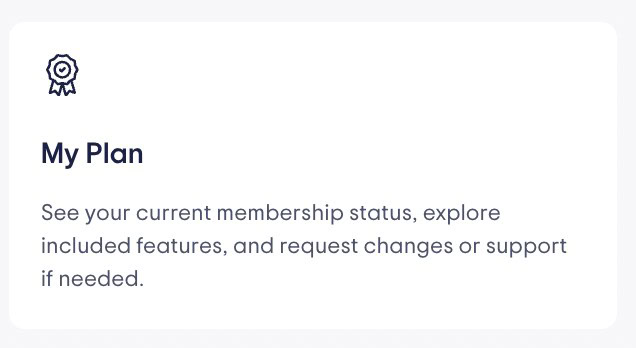
• Locate the “My Plan” tile or box on your dashboard homepage.
• Click on “My Plan” to view the current membership plan your school is on.
If your account manages more than one school, you’ll see a breakdown of the plans for each school associated with your profile.
Requesting an Upgrade
To inquire about an upgrade:
- Click on the blue button labeled “Get Help”
- On the new page you will be prompted to fill in a form:
- Fill in your First and Last Name, Email, Role and School name.
- Select “Membership”
- Type your message and upload a file if you need to.
3. Once complete, click “Submit.”
What Happens Next
Once your request is submitted:
- Our team will review your message.
- We typically respond within one business day.
- A dedicated advisor will guide you through upgrade options, pricing, and next steps tailored to your school’s needs.
If you need immediate assistance or have questions while submitting the request, feel free to reach out via the Help & Support section of your dashboard.